

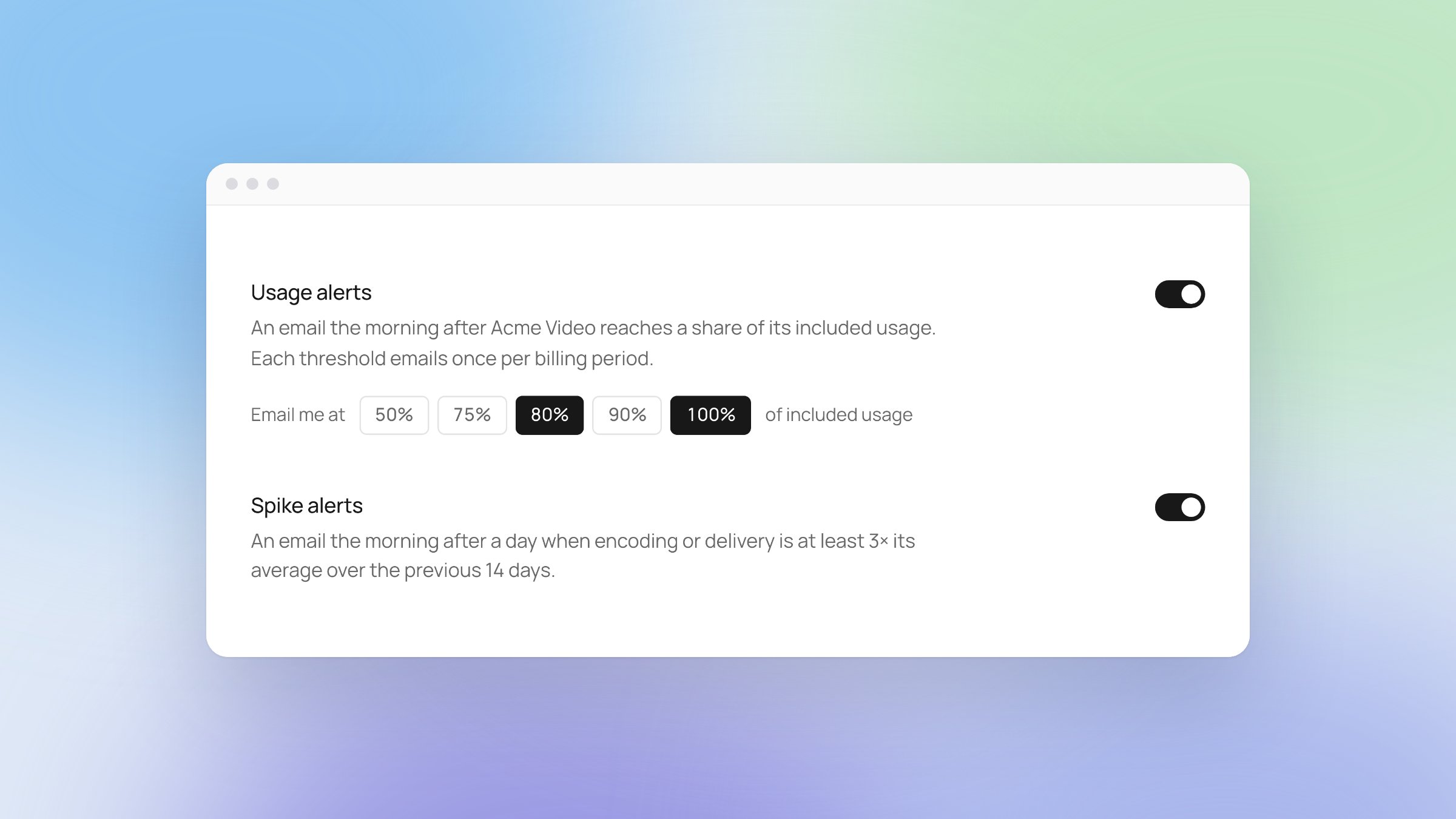
Usage alerts, spike alerts and shareable Tags links
- Usage alerts. Get an email when your usage reaches the thresholds you choose, from 50% to 100% of what your plan includes.
- Spike alerts. Get an email when your encoding or delivery usage jumps well above its recent average.
- Turn either one on in Settings → Account → Notifications. Each teammate chooses their own alerts, and both start off.
- Shareable links in Tags (beta). Copy a link to any clip in Tags and share it with a teammate. The link opens straight to that clip.
SDK 0.2.92
Released for iOS, Android and React Native.- Faster thumbnails. Thumbnails in tiles and grids load faster, and stay cached between app launches.
- Protected content. Playback and scrub previews are more reliable for protected content. See Protected content.
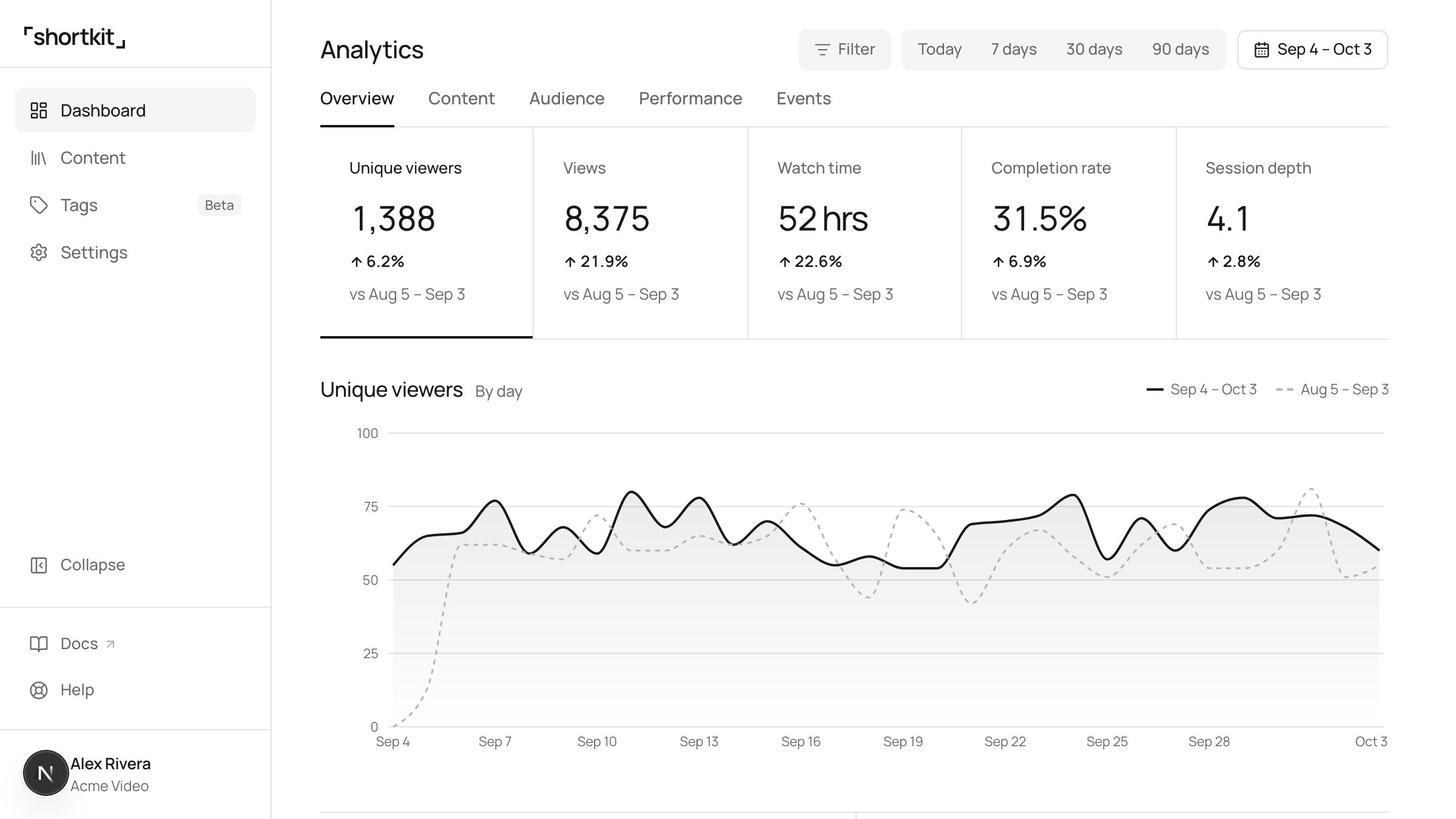
A redesigned admin portal
We rebuilt the admin portal from the ground up. Every page is simpler to read, the things you check most are easier to find, and it now works on a phone.- Usage, rethought. Settings → Usage shows what you’ve used this period against what your plan includes, for storage, encoding and delivery, with a projection for the rest of the period and a day-by-day view of each.
- A calmer content drawer. Opening a video shows what matters first: its status, preview and key details. Everything else is a click away instead of on one long panel.
- Analytics overhaul. New filters, period-over-period comparisons on every headline number, and a definition behind each metric: hover the ⓘ to see exactly what’s counted. More is on the way.
- Themes. Choose Light, Dark or System from the account menu at the foot of the sidebar, or from Settings → Account → Appearance.
- Audio tracks. A video’s details list its audio tracks, and the content library can show which videos carry more than one.
- A collapsible sidebar. Fold the sidebar down to icons for more room, and the admin portal remembers your choice. On a phone, the sidebar opens from the menu in the top bar.
SDK 0.2.91
Released for iOS, Android and React Native.- Protected playback. More reliable playback for protected content. See Protected content.
- Mute. Muting one feed, player or widget no longer changes the others.
- Stability and performance improvements.